
Activate API access
The REST API is available on the Pro plan and provides programmatic access to your contract data. Ideal for integration with ERP systems, monitoring tools or custom dashboards.
Create API token
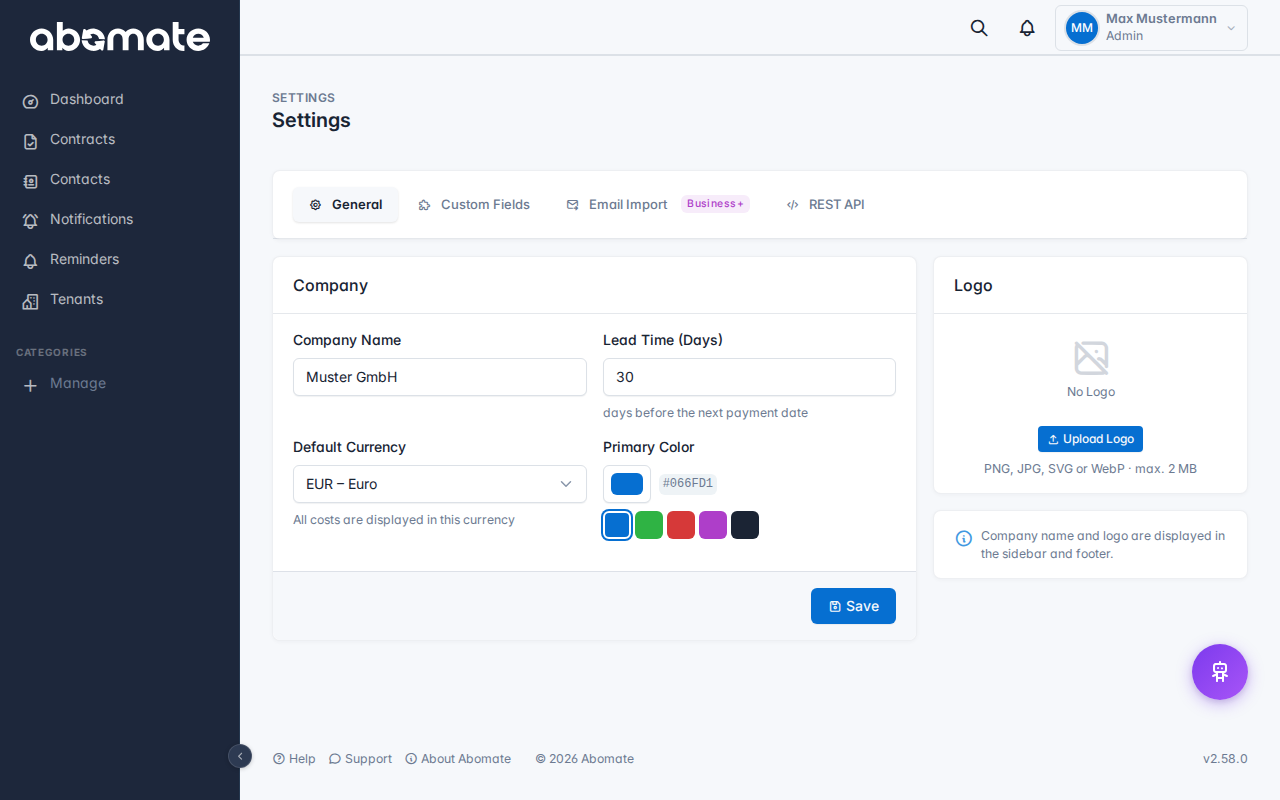
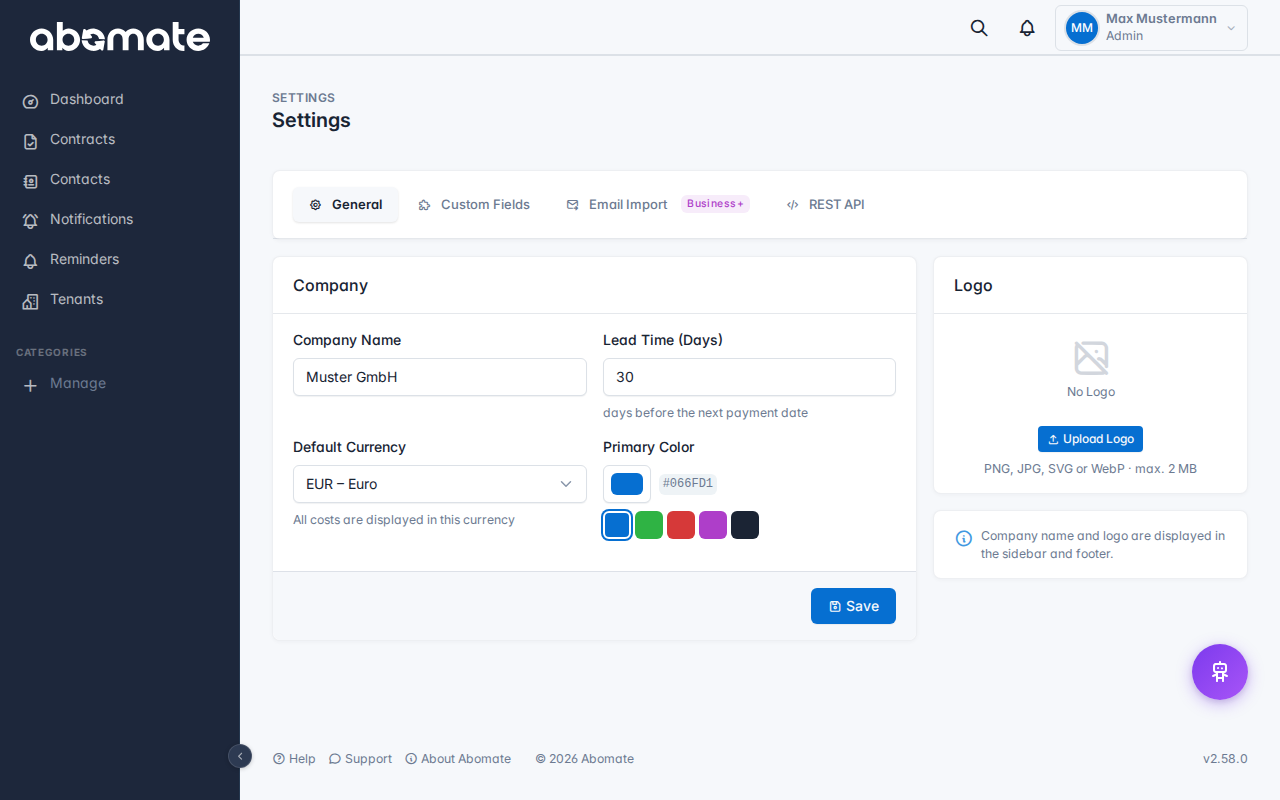
- Go to Settings → API
- Click New Token
- Choose a name (e.g. "ERP Integration", "Monitoring")
- Select permissions (scopes) – only grant necessary rights
- Optional: Set an expiration date and rate limit
- Click Create
Important: The token is shown only once – copy it immediately! It cannot be viewed again afterwards.
Token format
API tokens start with the prefix abo_live_. Example:
abo_live_sk_a1b2c3d4e5f6g7h8i9j0...First request
Use the token as a Bearer token in the Authorization header:
curl -H "Authorization: Bearer abo_live_sk_..." \
     https://app.abomate.io/api.php/v1/licenses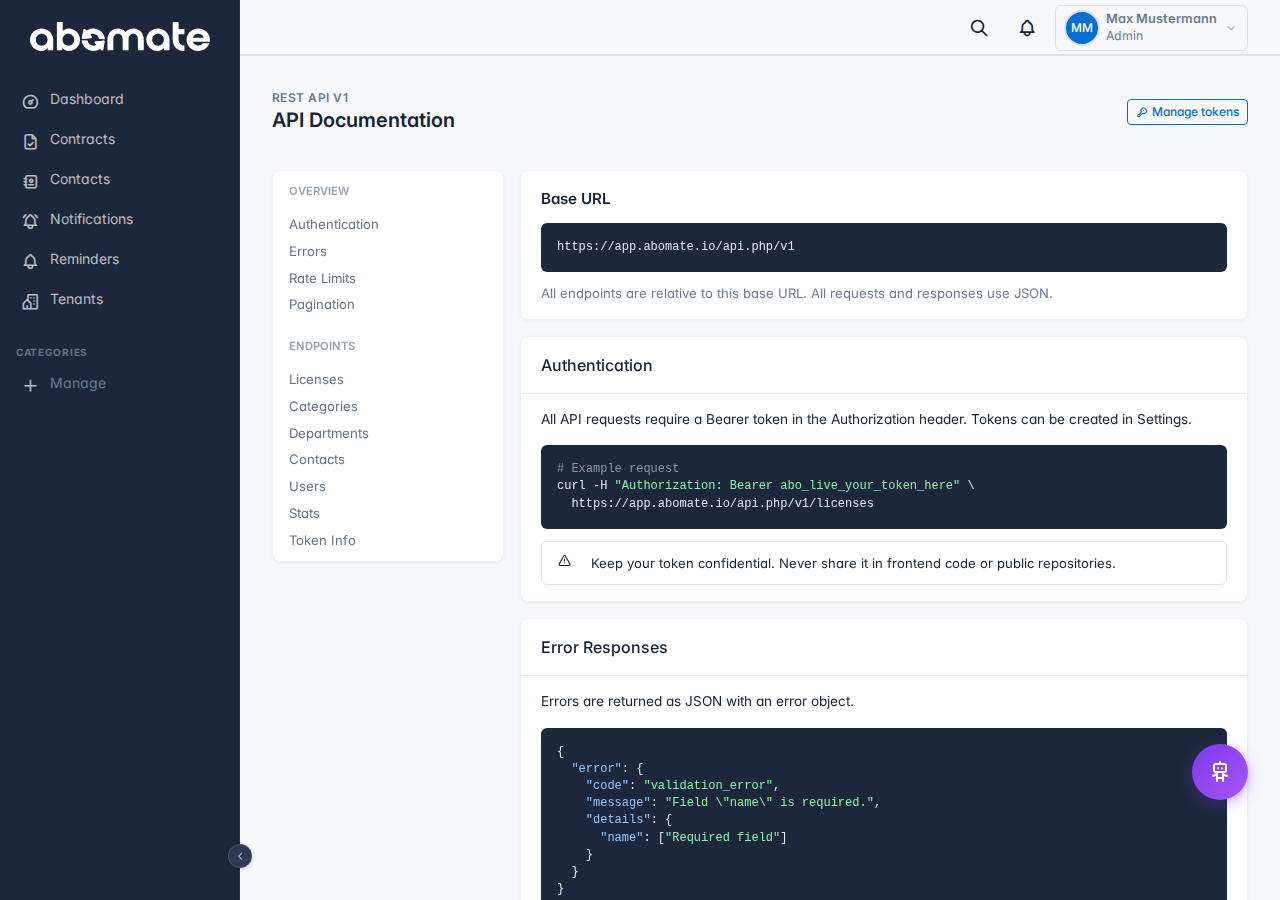
API documentation
The full interactive API documentation is available under Settings → API → API Docs. There you can try out endpoints directly.
Manage tokens
- Up to 20 tokens per tenant possible
- Tokens can be revoked (deleted) at any time
- Last usage and creator are displayed