
What are in-app notifications?
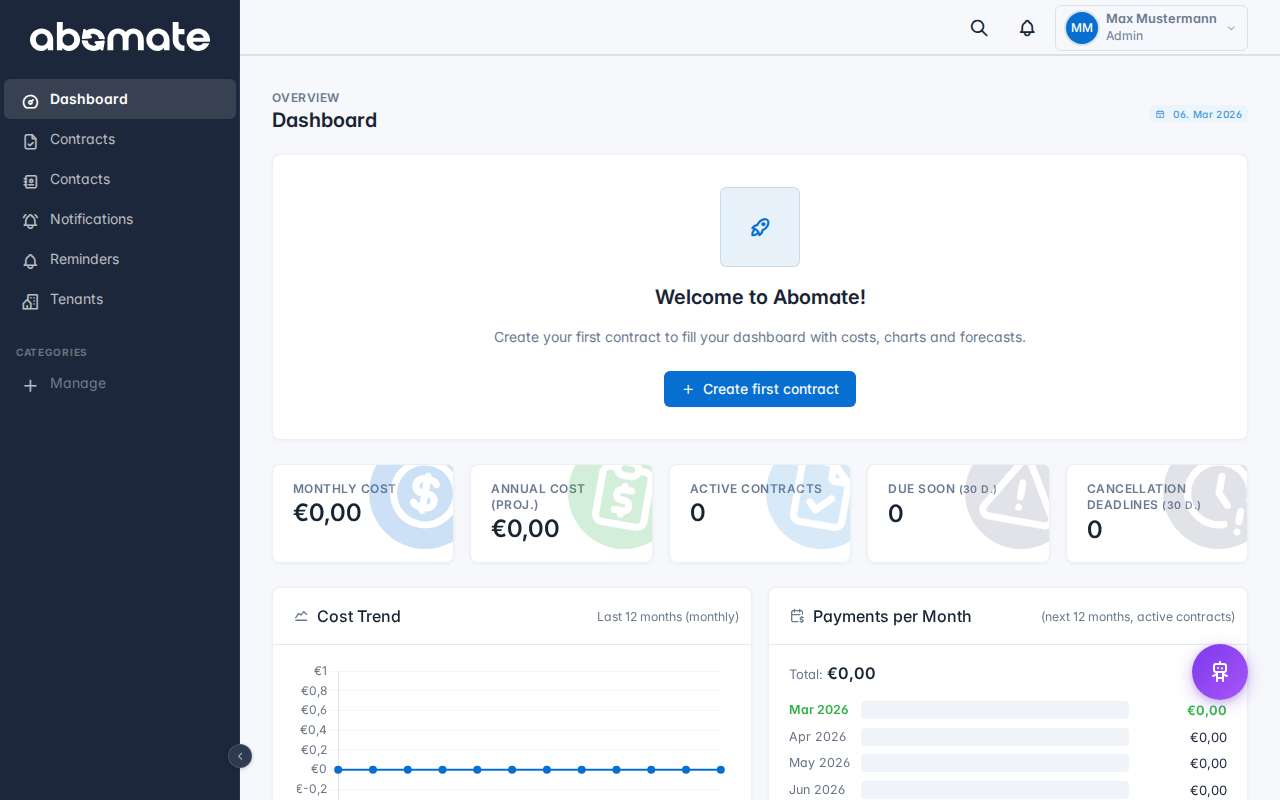
Besides email reminders, Abomate offers a notification system directly in the app. You can recognize new notifications by the bell icon with a red badge in the topbar.
When do you get notified?
| Event | Description |
|---|---|
| Support ticket answered | When an admin replies to your ticket |
| Ticket status changed | When your ticket status is updated |
| Contract expiring | When a contract expires within the lead time |
| Cancellation deadline | When a cancellation deadline approaches |
| Email import | When new contract drafts are created via email import |
Notification dropdown
Click the bell icon to open the dropdown. You see the latest notifications with timestamps. Click a notification to navigate to the related item.
Notification center
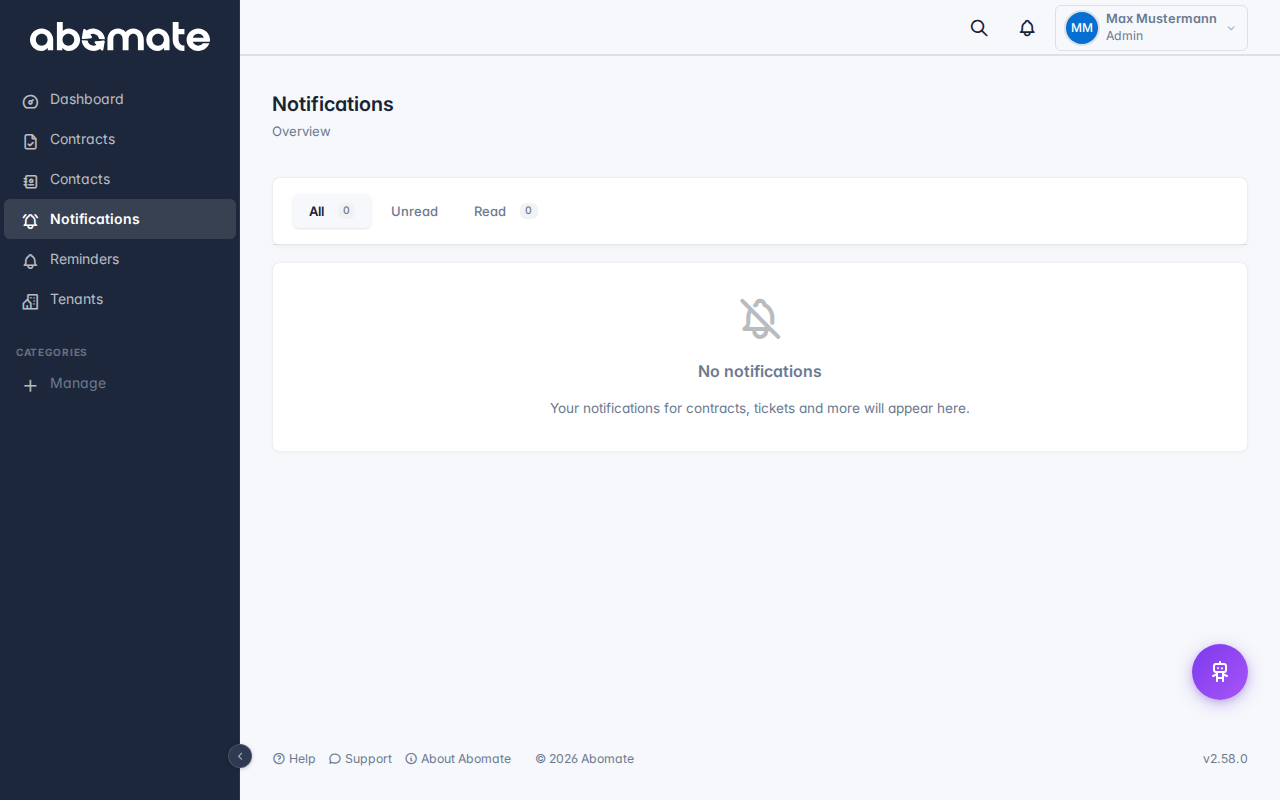
Click "View all" in the dropdown to access the full notification center.
Filter tabs
- All – All notifications
- Unread – Only unread notifications
- Tickets – Only ticket-related notifications
- Reminders – Only contract reminders
Actions
- Mark as read for individual notifications
- Delete individual notifications
- Mark all as read via the button in the top right
Note: New notifications are checked automatically every 60 seconds (polling). You don't need to manually refresh the page.