
How reminders work
Abomate can automatically remind you via email before a contract expires or a cancellation deadline passes. This way you never miss important dates.
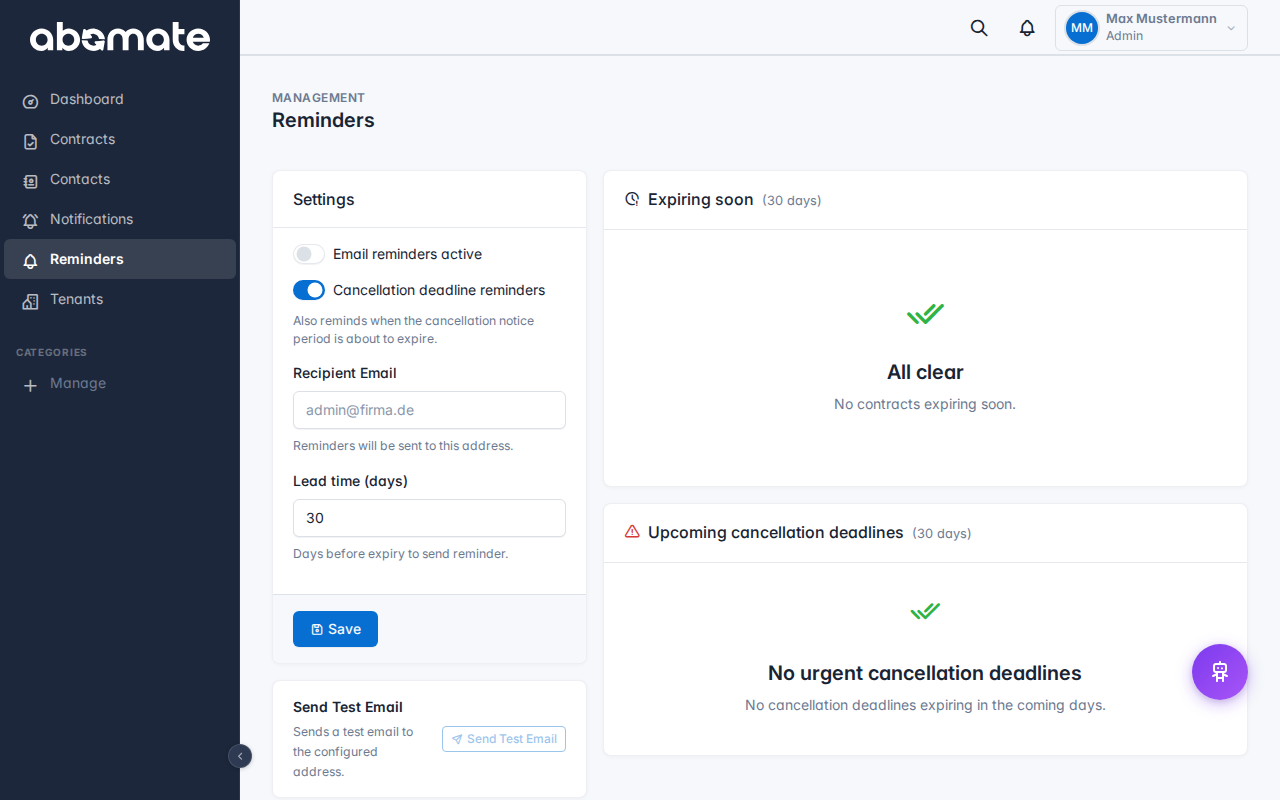
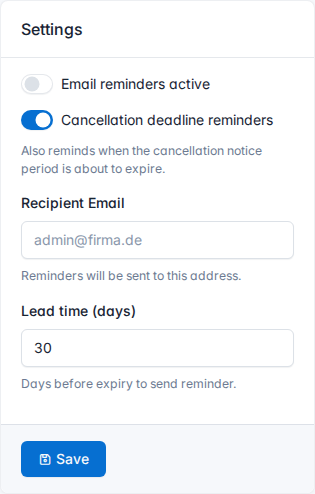
Configure reminders
- Go to Reminders in the sidebar
- Enable the reminder function with the toggle
- Set the lead time – how many days before expiry/cancellation you want to be reminded (e.g. 30, 14 or 7 days)
- Choose the recipients: admin email or all assigned users
When are reminders sent?
| Event | Description |
|---|---|
| Contract expiry | X days before the end date of a contract is reached |
| Cancellation deadline | X days before the cancellation deadline passes |
Prerequisites
For reminders to work, the following conditions must be met:
- The contract has an end date or cancellation deadline set
- The contract has the status Active
- The email settings are correctly configured (SMTP or Microsoft 365)
Additionally: Reminders also generate in-app notifications (bell icon), regardless of whether email delivery works.
Tip: You can set the lead time in the general settings for all contracts. The default is 30 days.