
Import contracts via email
With email import, you can simply forward invoices and contracts to Abomate. The AI automatically recognizes contract data and creates a draft.
Setup
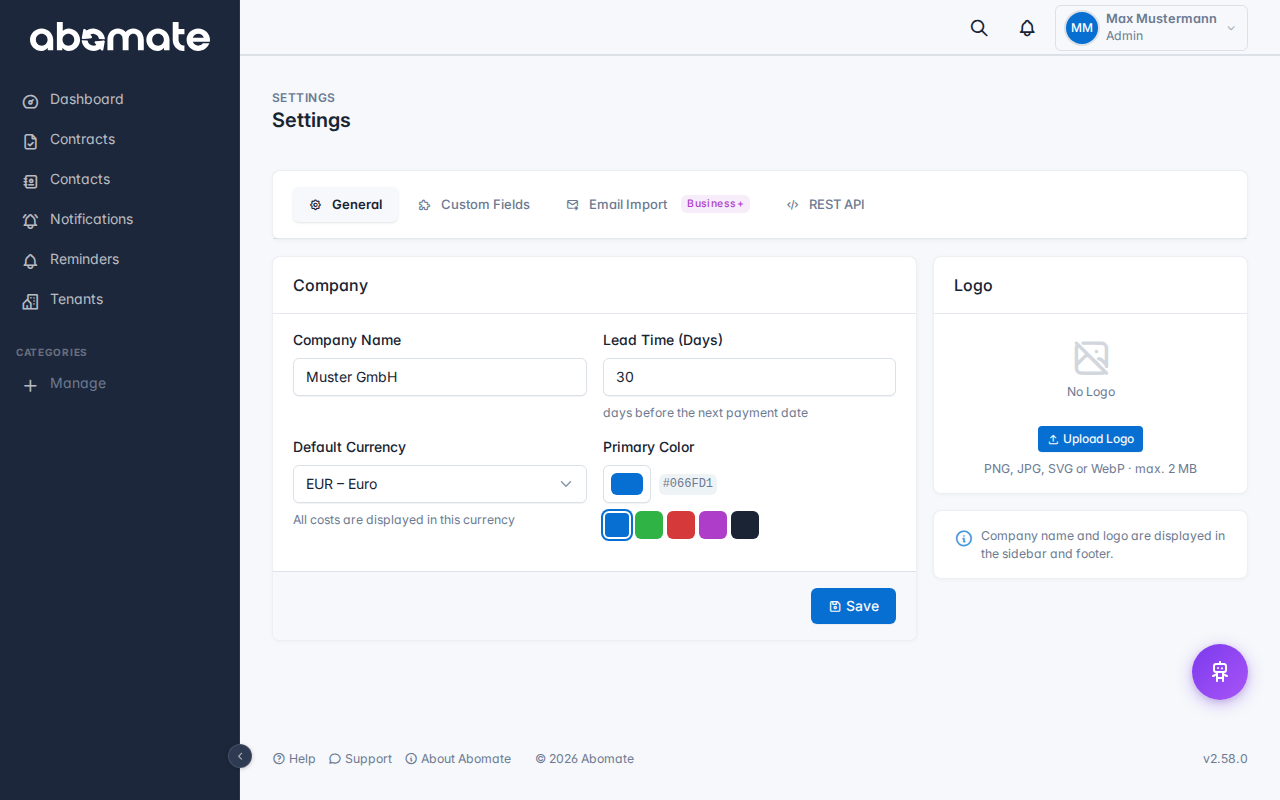
- Go to Settings → Email Import
- Enable email import
- Copy your personal import address (format:
import+<token>@abomate.io)
How it works
- Forward an invoice or contract to your import address
- Abomate checks for new emails every 5 minutes
- PDF attachments are analyzed by AI
- A contract draft is created (status: Draft)
- You receive an in-app notification
Manage drafts
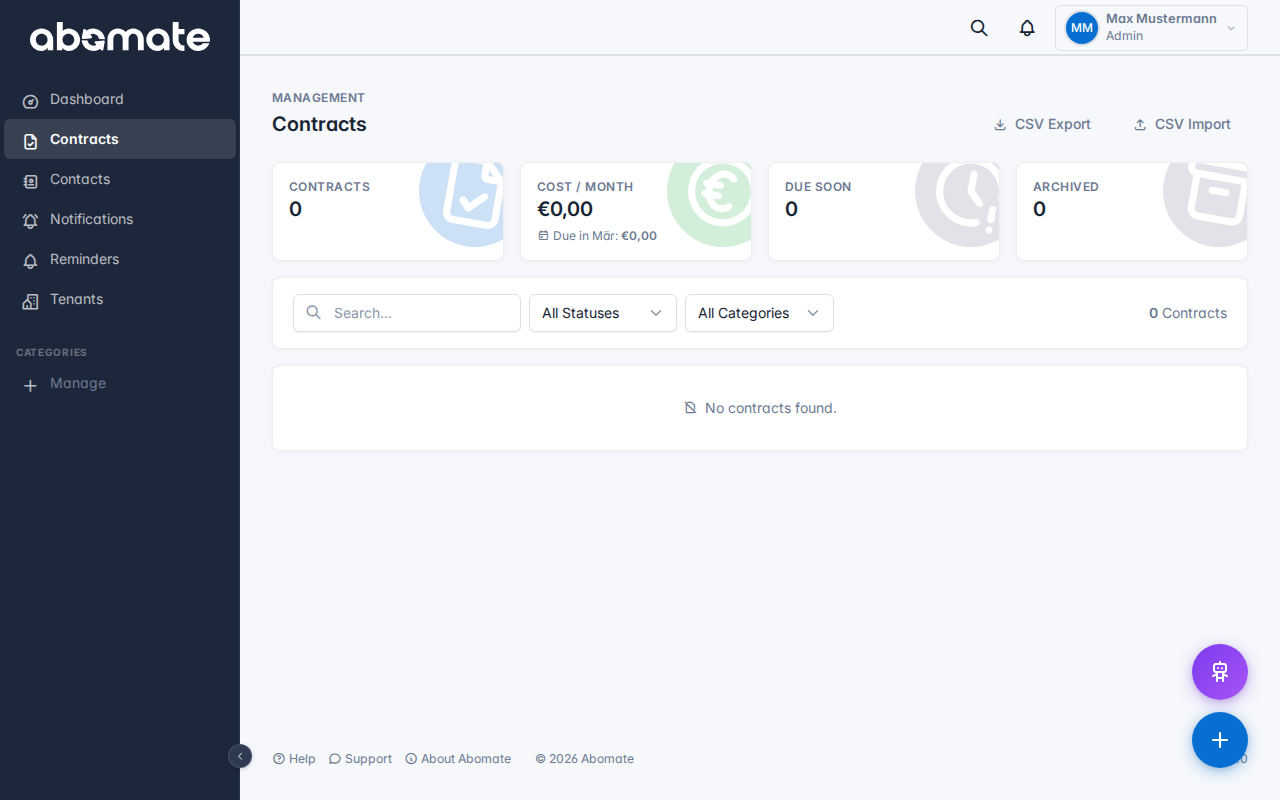
On the contracts page you can filter by status "Draft" to see all imported drafts. For each draft you have two options:
- Confirm – The draft becomes an active contract
- Reject – The draft is discarded
Before confirming you can still adjust all recognized fields.
Security: The import address is unique per tenant. Do not share it with third parties, as incoming emails are processed automatically.
Availability
| Plan | Email Import |
|---|---|
| Starter | ✗ |
| Business | ✓ |
| Pro | ✓ |