
Company data
Under Settings → Company you can manage your company data:
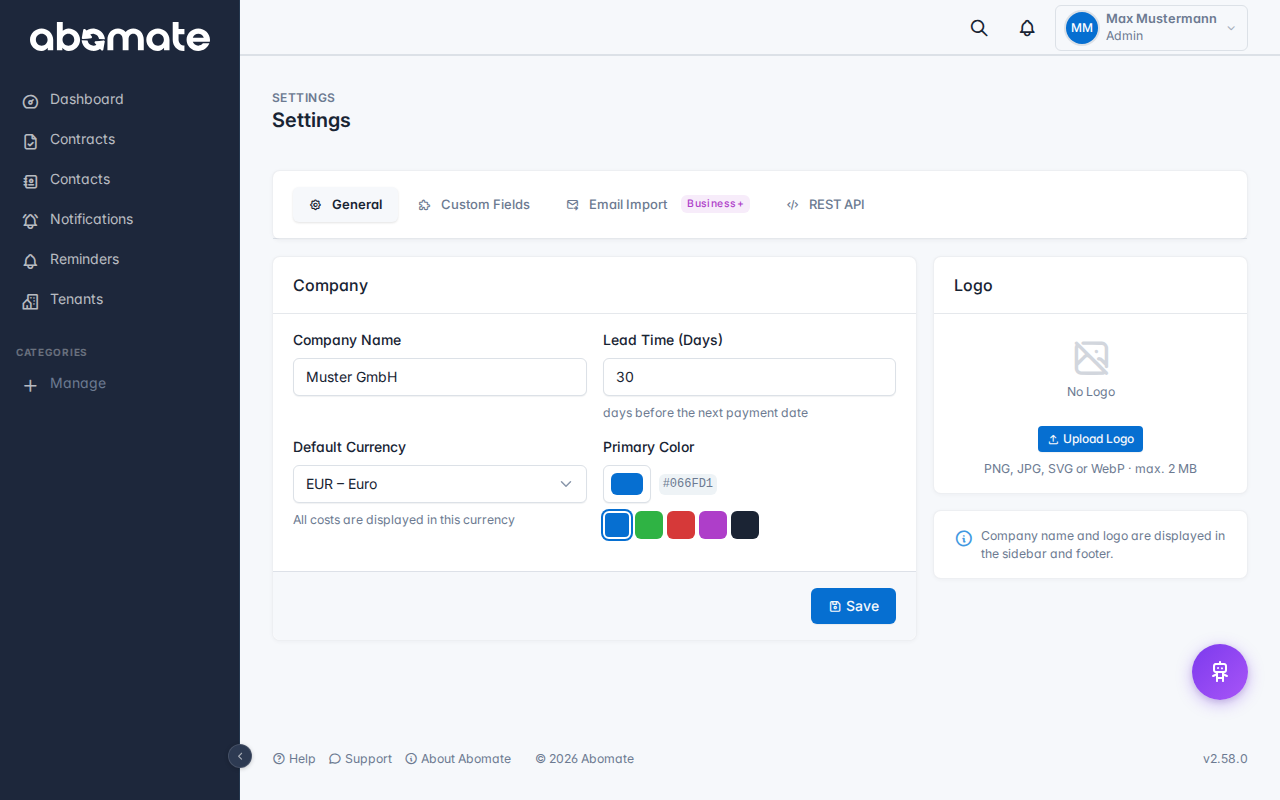
| Field | Description |
|---|---|
| Company name | Displayed in the sidebar, emails and tenant switcher |
| Logo | Appears in the sidebar and on exports. Formats: PNG, JPG, WebP, SVG |
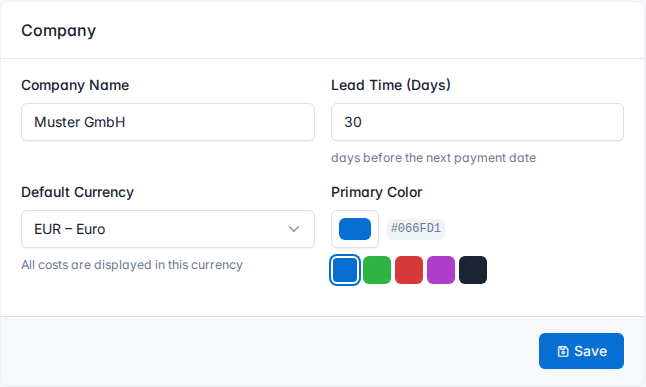
Customize branding (Business + Pro)
In Business and Pro plans you can customize the appearance to match your brand:
Primary color
Choose a color that matches your brand. Buttons, links, active menu items and accents are displayed in this color.
Theme
Choose between three themes:
- Dark – Dark sidebar, light content area
- Light – Light sidebar and content area
- Blue – Blue sidebar, light content area
Availability
| Feature | Starter | Business | Pro |
|---|---|---|---|
| Company name & logo | ✓ | ✓ | ✓ |
| Primary color | ✗ | ✓ | ✓ |
| Theme selection | ✗ | ✓ | ✓ |
Tip: In the Starter plan the default Abomate branding (Dark theme, blue primary color) is used.