
Find what you need quickly
Global search searches across all your contracts, providers, categories, departments, contacts and custom fields – in real time.
Open search
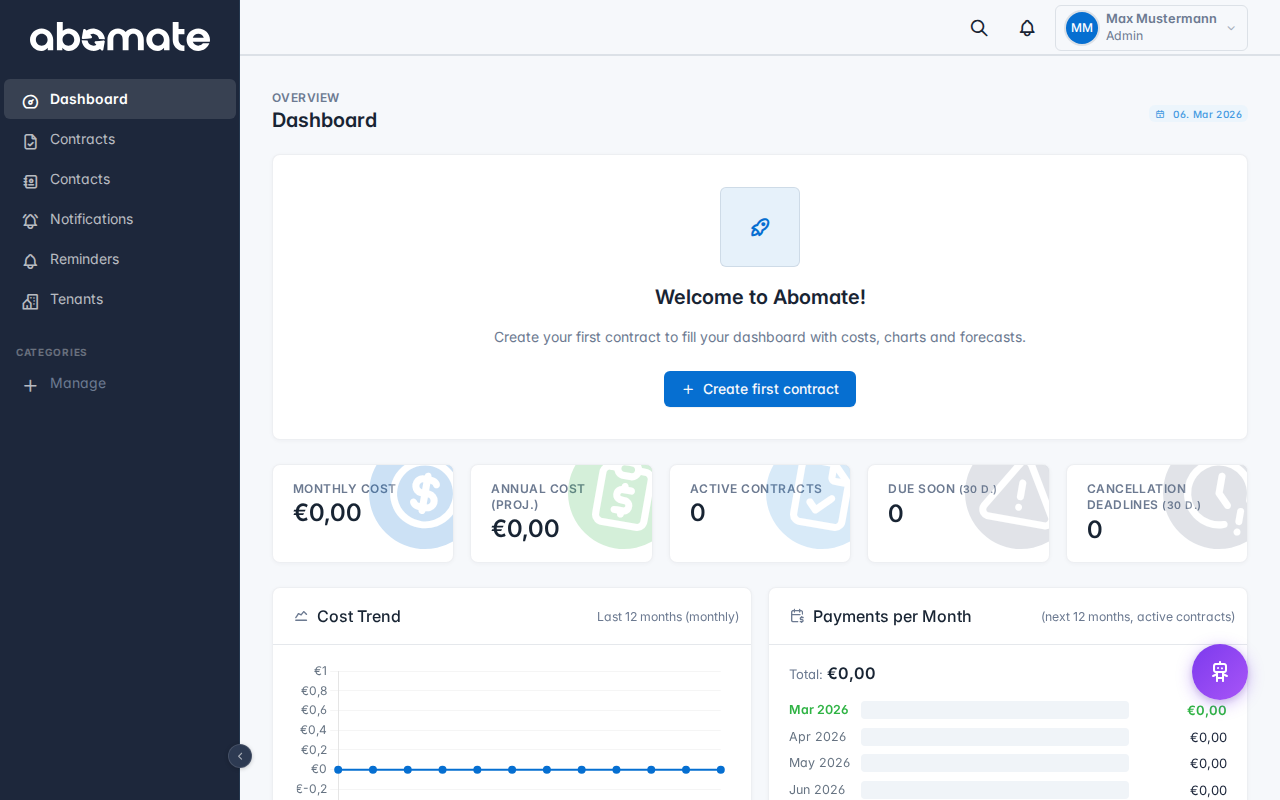
- Click the search icon in the topbar
- Or press Ctrl+K (Windows/Linux) or Cmd+K (Mac)
A search overlay opens. Type your search term – results appear instantly as you type.
What is searched?
| Area | Example |
|---|---|
| Contract names | "Microsoft 365", "Adobe Creative Cloud" |
| Providers | "Microsoft", "Amazon" |
| Categories | "Cloud & SaaS", "Hardware" |
| Departments | "IT", "Marketing" |
| Contacts | "John Smith" |
| Custom Fields | Values from custom fields (Pro plan) |
Fuzzy search
The search uses intelligent fuzzy matching with trigram matching. Even with typos or incomplete terms, relevant results are found. For example, "Microsft" also finds "Microsoft".
Visibility
The search respects department visibility. Users with the User role only see results from their own departments. Admins see everything.
Tip: Click a search result to jump directly to the contract. The search does not remember your recent searches – your privacy is protected.