
Upgrade plan
You can upgrade to a higher plan at any time:
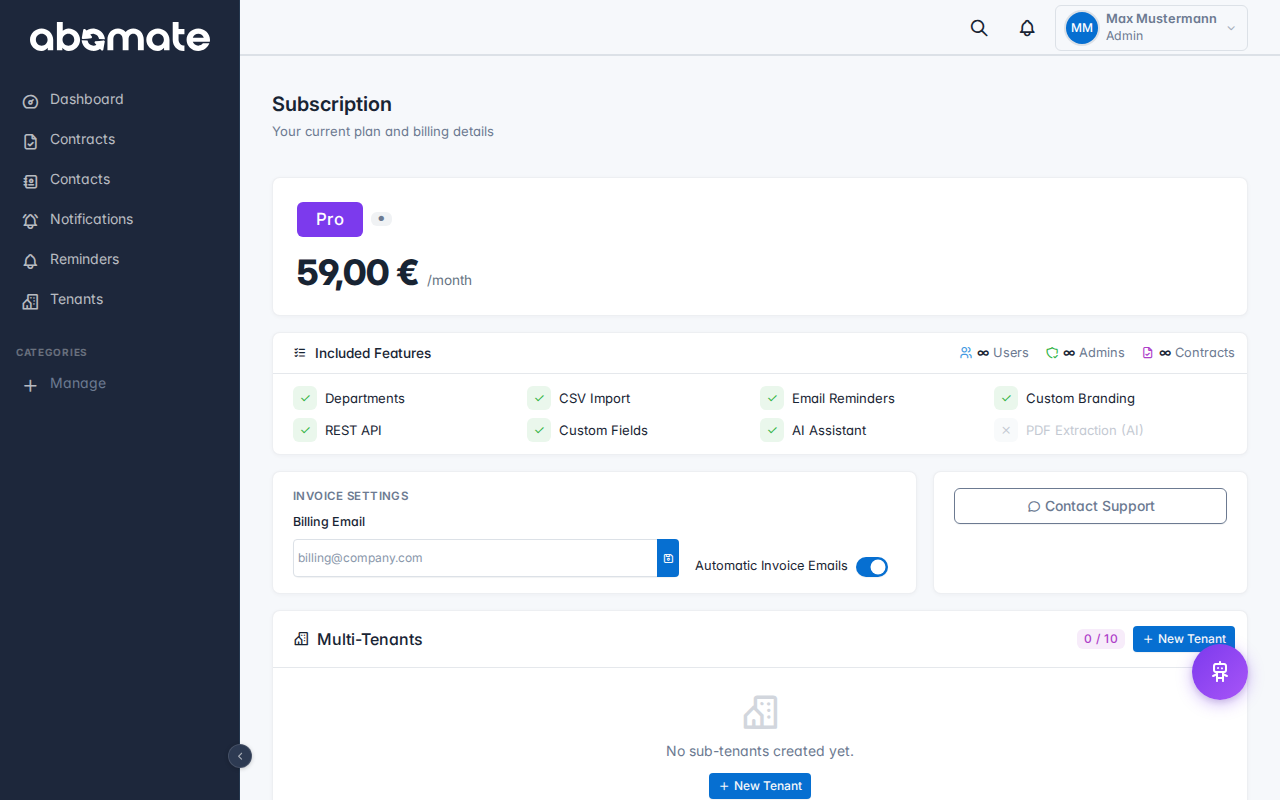
- Go to Subscription in the sidebar
- Click Change plan
- Select the new plan
- The difference is calculated pro-rata – you only pay the difference for the rest of the billing period
Downgrade plan
A downgrade takes effect at the end of the current billing period. Check beforehand:
- Do you exceed the contract limits of the smaller plan?
- Do you exceed the user/admin limits?
- Do you use features not included in the smaller plan (e.g. AI Chat, API)?
Note: When downgrading, features not included in the new plan are automatically deactivated. Your data is preserved – you can use it again after an upgrade.

Cancel subscription
- Go to Subscription in the sidebar
- Click Cancel subscription
- Confirm the cancellation
After cancellation:
- Your account stays active until the end of the paid period
- You can reverse the cancellation at any time
- After expiry your data is kept for 30 more days
- After that all data is permanently deleted
Reverse cancellation
As long as the paid period is still running, you can reverse the cancellation under Subscription. Click "Reverse cancellation".