
Edit profile
Click your name in the top right of the topbar and select Profile.
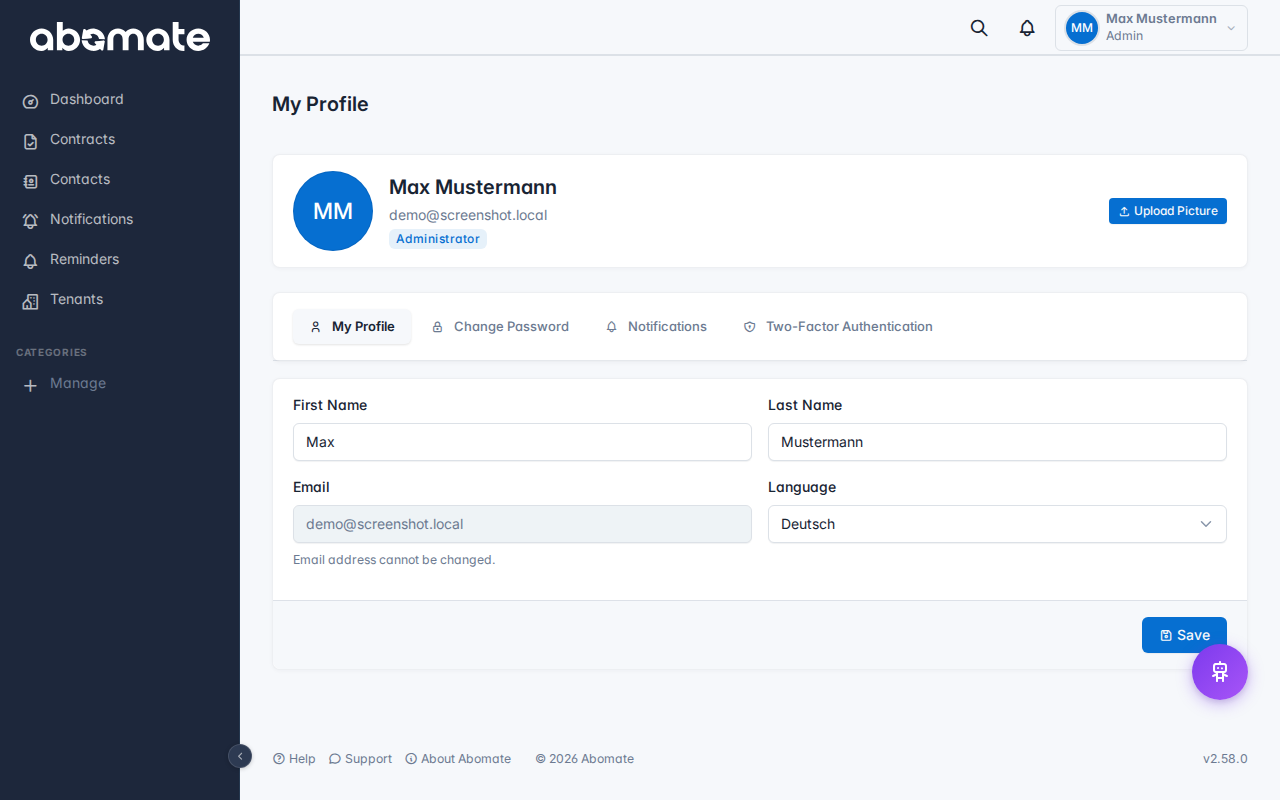
What you can change
| Field | Description |
|---|---|
| First & last name | Your display name in the app and ticket conversations |
| Your login email address (also used for reminders) | |
| Profile picture | Upload avatar – JPEG, PNG or WebP (max 2 MB) |

Change password
- Go to your Profile
- Scroll to the Change password section
- Enter your current password
- Enter the new password twice (confirmation)
- Click Change password
Important: Choose a secure password with at least 8 characters, upper/lowercase letters and numbers.
Forgot password?
On the login page you find the "Forgot password?" link. Here is how to reset your password:
- Click "Forgot password?" on the login page
- Enter your email address
- You will receive an email with a reset link
- Click the link and set a new password
Note: The reset link is valid for 24 hours only. After that you need to request a new link.