
Invoice overview
All invoices for your Abomate subscription can be found under Invoices in the sidebar.
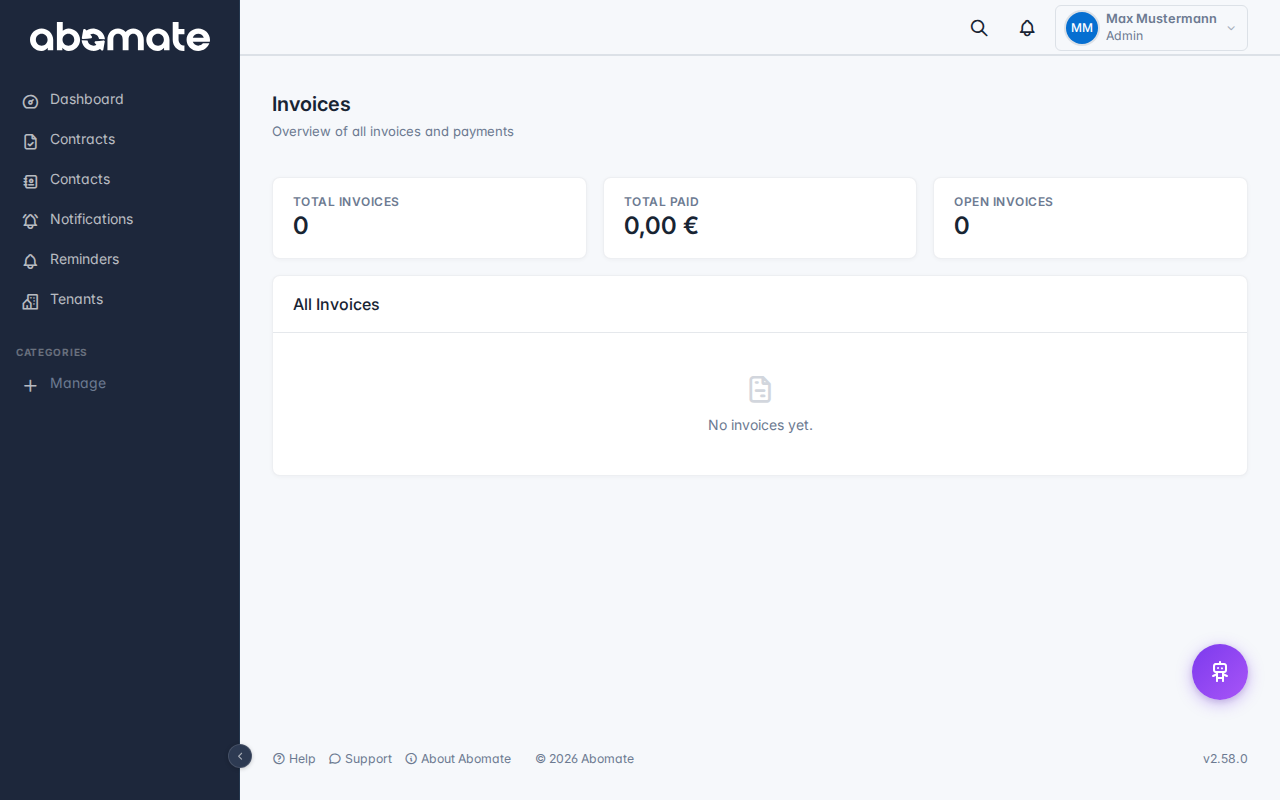
What you see
| Column | Description |
|---|---|
| Invoice date | When the invoice was created |
| Amount | Invoice amount incl. VAT |
| Status | Paid, Open or Failed |
| PDF download | Click the download icon to download the invoice as PDF |
KPI tiles
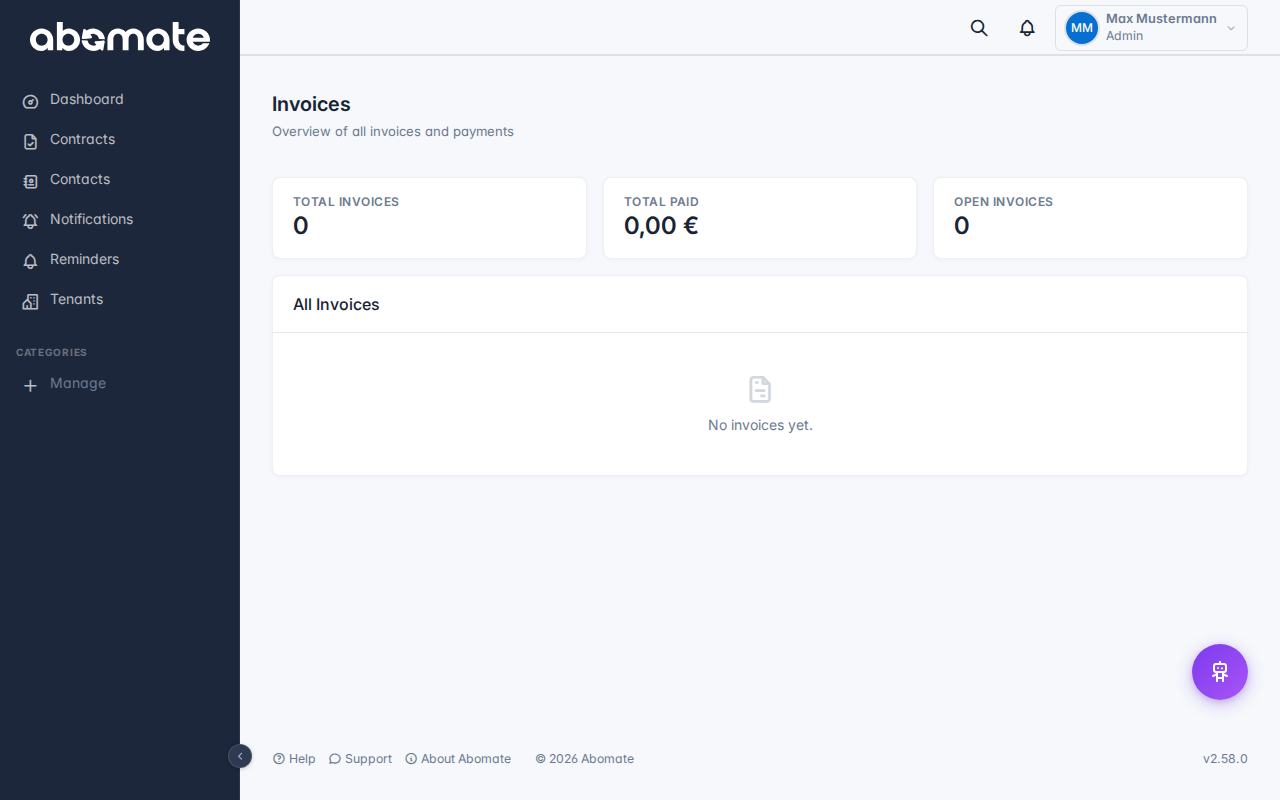
At the top of the invoices page you see summaries:
- Paid – Total of all paid invoices
- Open – Total of open invoices
- Last invoice – Date and amount of the last invoice
Billing email
Invoices are automatically sent to your billing email address. This is set during registration.
Change billing email: The billing email address can be changed via support. Create a support ticket for this.
Note: Invoices are created by Stripe and contain all legally required information (invoice number, tax ID, service period, etc.).