
What are custom fields?
Custom fields let you capture additional information for your contracts beyond the standard fields.
Examples
- Internal order number or SAP reference
- Cost center or cost unit
- Approval date
- Compliance status or certification
- Special contract terms
Field types
| Type | Description | Example |
|---|---|---|
| Text | Single-line text field | Order number, SAP ID |
| Textarea | Multi-line text field | Special conditions |
| Number | Numeric value | Number of licenses |
| Date | Date picker | Approval date |
| Select | Dropdown with predefined options | Compliance status |
| Checkbox | Yes/No field | Auto-renewal |
Set up fields
- Go to Settings → Custom Fields
- Click New Field
- Choose the field type and enter a name
- Optional: Mark as required
- Optional: Show in table (as additional column on desktop)
- For "Select": Enter the options (one per line)
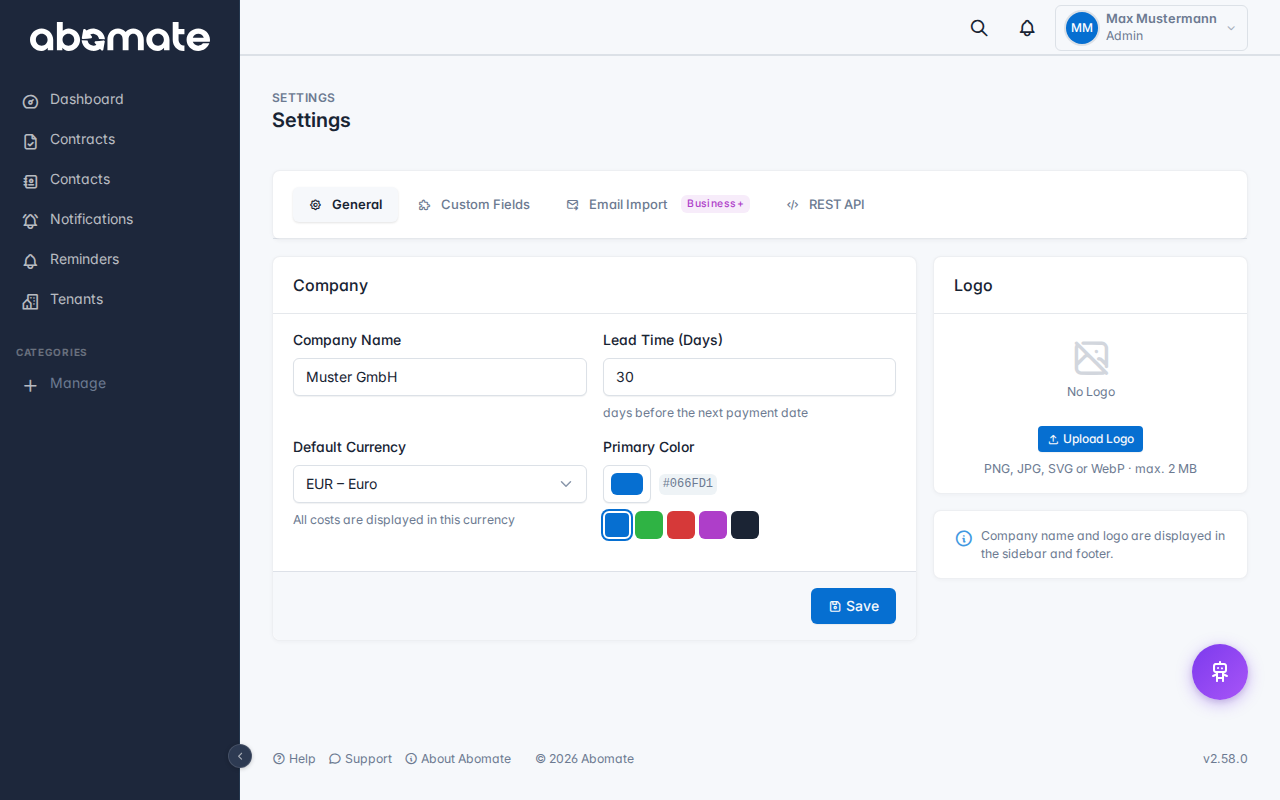
In the settings you will find an overview of all configured fields with type, required status and table visibility:
Fields in the contract form
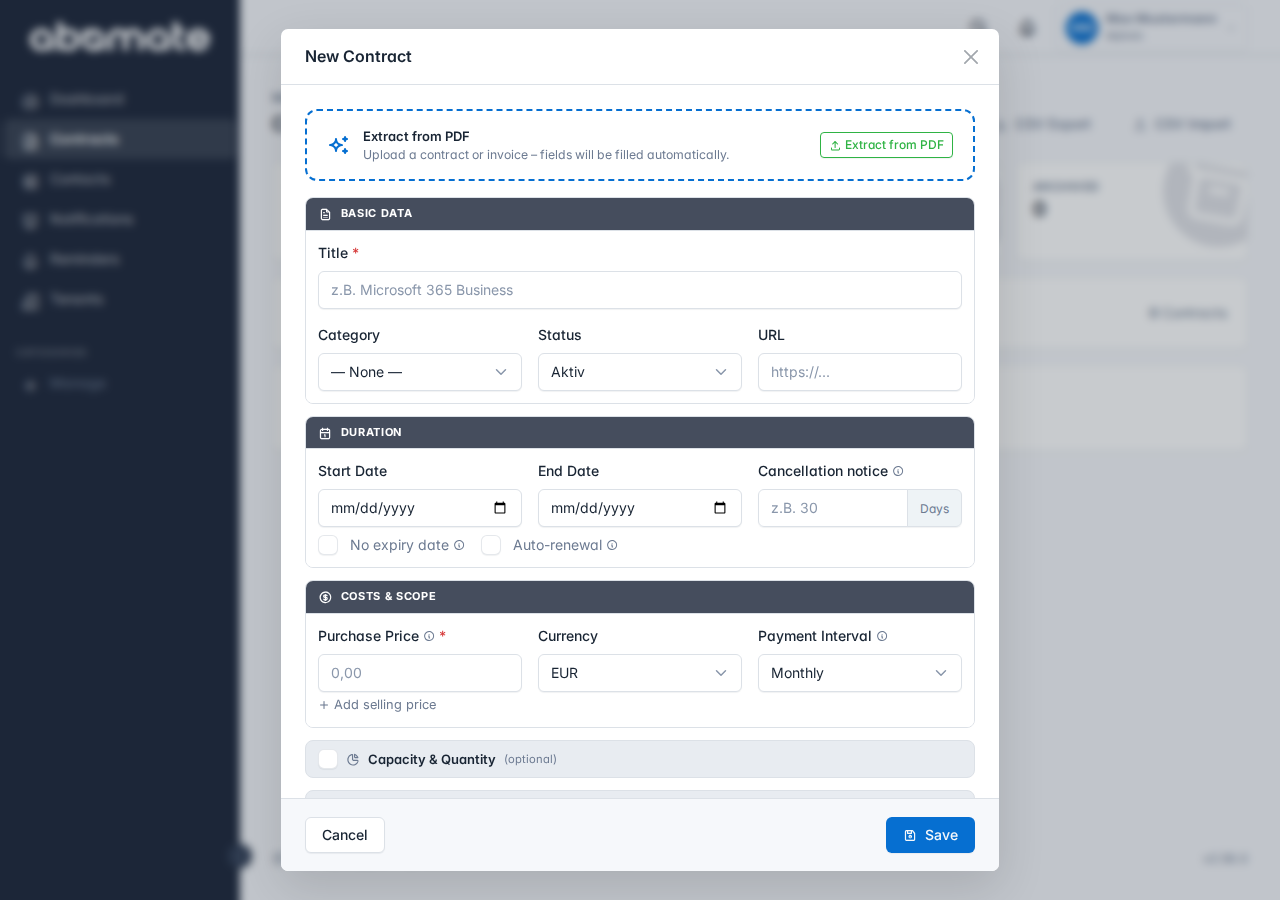
When creating or editing a contract, the custom fields appear as a separate section below the standard fields. You can expand and collapse the section by clicking:
Where do fields appear?
| Location | Description |
|---|---|
| Contract form | When creating and editing contracts |
| Detail view | Below the standard fields |
| Contract table | Optional as additional column (desktop only) |
| CSV export | As additional columns |
| REST API | In the custom_fields object of the JSON response |
| AI Chat | The AI knows and searches your custom fields |
| PDF Recognition | The AI also tries to extract custom fields from PDFs |
Availability
Custom fields are available exclusively on the Pro plan.