
Support tickets
If you need help, you can create a support ticket directly in Abomate. Our team will respond as quickly as possible.
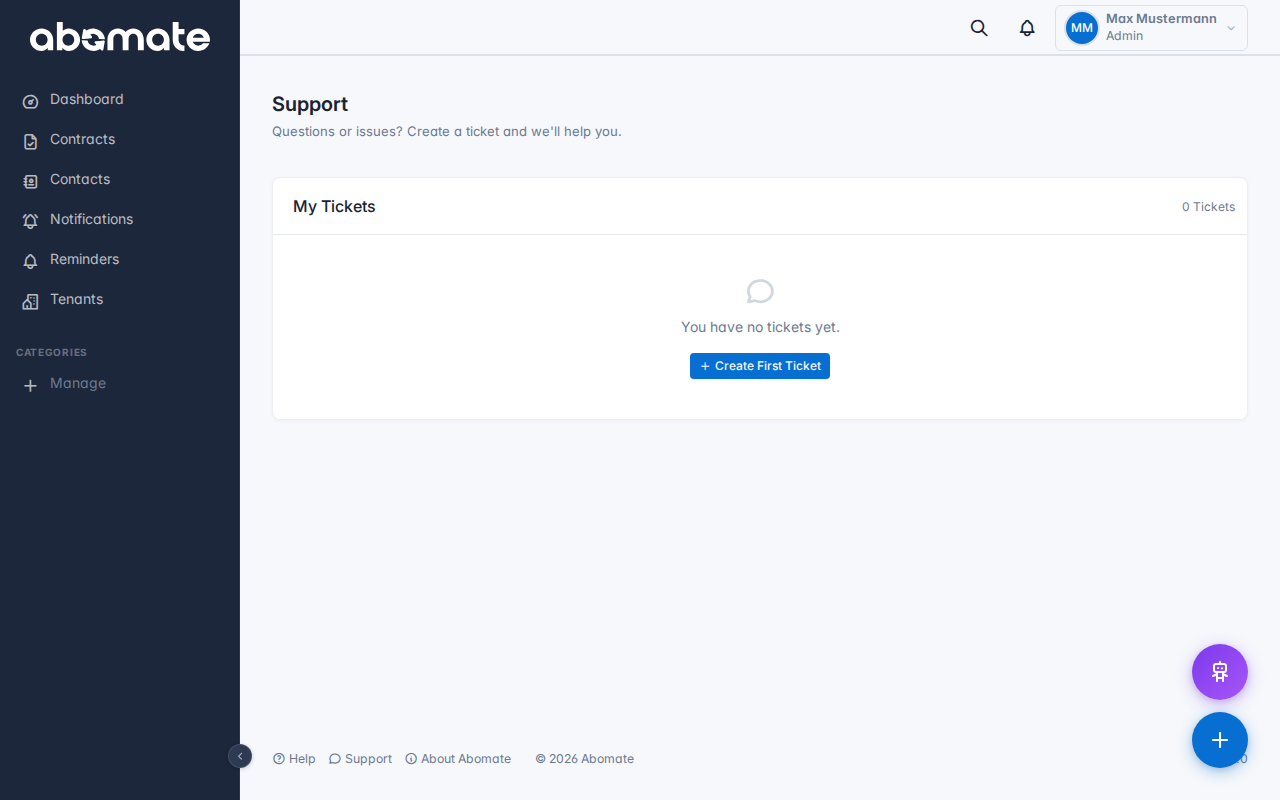
Create new ticket
- Go to Support in the sidebar
- Click + New Ticket
- Choose a priority:
- Low – General questions, suggestions
- Normal – Standard requests
- High – Issues affecting workflow
- Enter a subject and description
- Optional: Attach files (max 5 MB each – PDF, images, Office documents)
- Click Create ticket
Ticket status
| Status | Meaning |
|---|---|
| Open | Ticket has been created, waiting for processing |
| In Progress | Our team is working on your request |
| Resolved | The issue has been fixed |
| Closed | Ticket has been closed |
Chat view
Click a ticket to open the chat view. There you can follow the conversation and write replies – similar to a messenger.
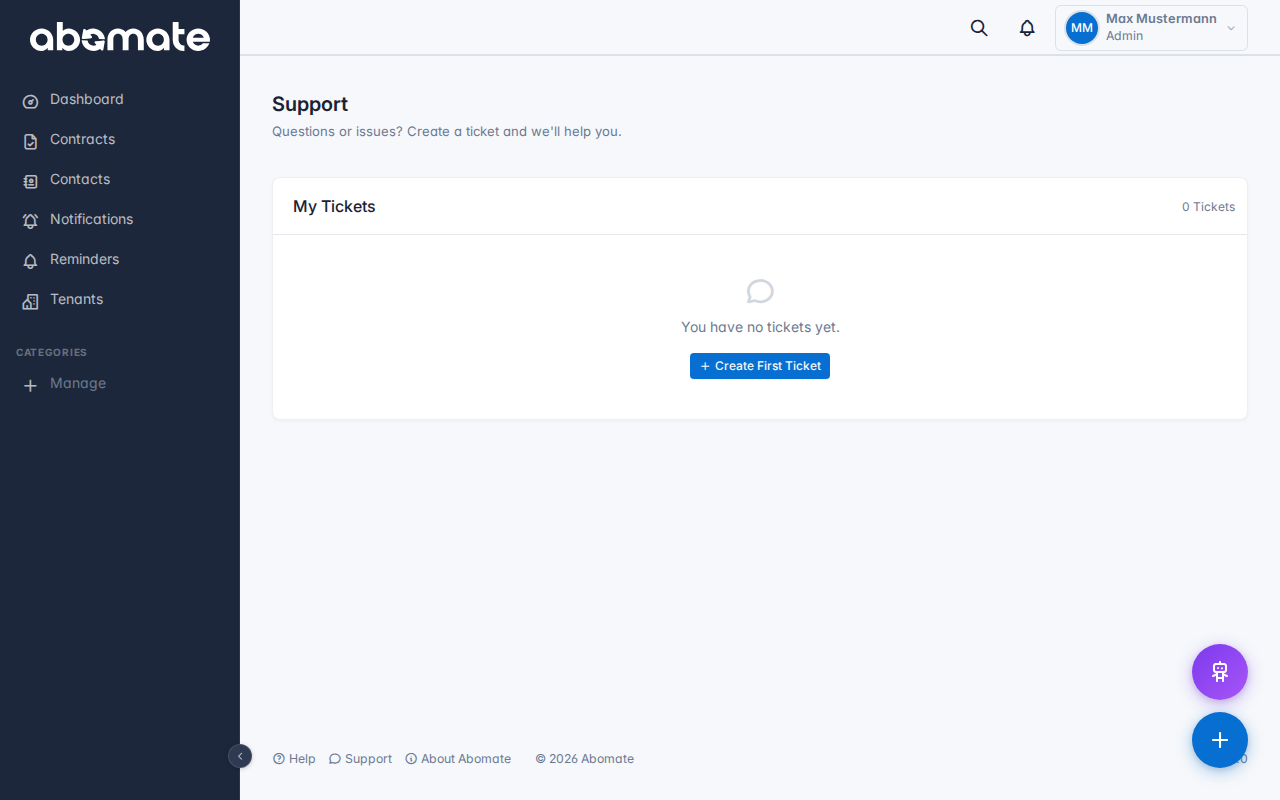
File attachments and images
Images (PNG, JPG, WebP) are shown as inline previews in messages. Click an image to open it full-size in a lightbox. Other file types (PDF, Word, Excel) are shown as download links.
Notifications
You will receive an in-app notification (bell icon) when your ticket is answered or the status changes. You can toggle email notifications in Profile → Notifications.
Tip: The more detailed your description, the faster we can help. Feel free to attach screenshots to illustrate the issue.